Mobile Media MakerAI images & AI video for beginners. Phone only. 手机 媒体 创作课零基础学 AI 图片 + AI 视频,只用手机
One selfie + one sentence = a studio-quality portrait in about 30 seconds. Learn to do it yourself, then make your first AI video. 一张自拍 + 一句话,约 30 秒变成 摄影棚级人像照。亲手学会,再做出 你的第一支 AI 视频。
Yes! Save My Seat · RM29Yes!我要报名 · RM29→
We used to teach this online.
Now we're bringing it to you, live.以前我们只在线上教。
现在,我们亲自来到你面前。
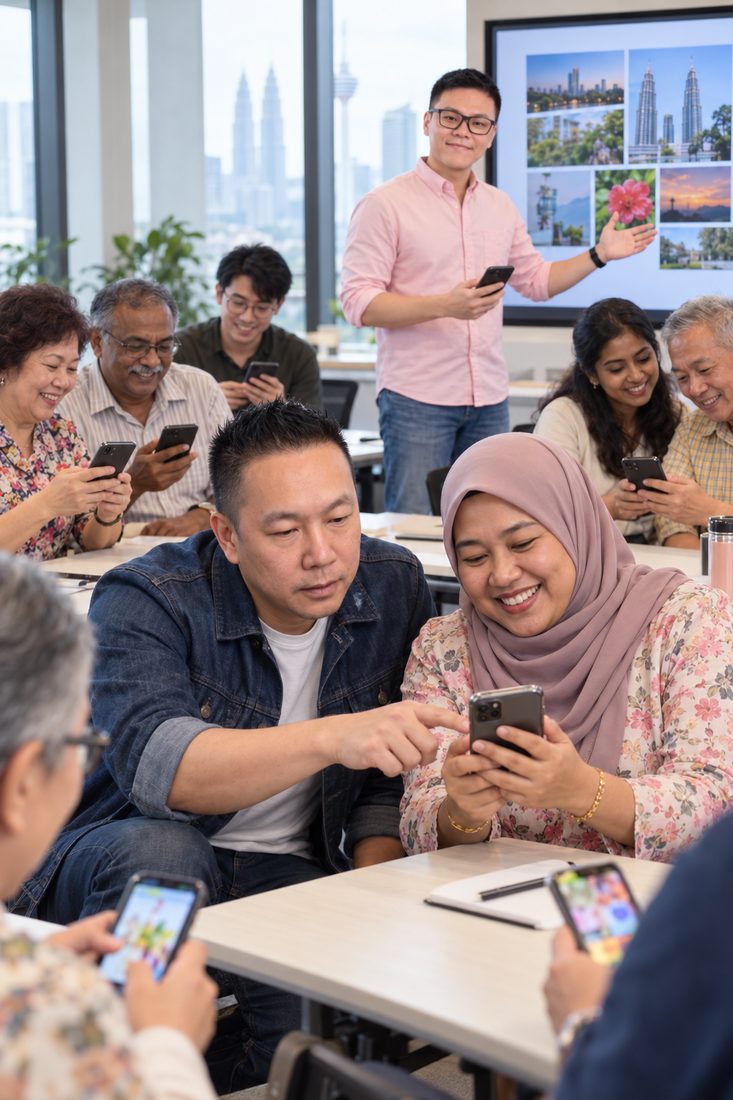
200+ students have learned with us on Zoom. But AI clicks fastest when someone is right beside you, looking at your phone and fixing it with you. So M3 is a live, physical class: the same skills, now in the same room.200 多位学员在 Zoom 上跟我们学过。可是有人坐在你身边、看着 你的 手机一起改,AI 才学得最快。所以 M3 是一堂线下实体课:同样的技能,这次在同一个房间里。
Save the date. Only 40 seats per session.记下日期,每场 只有 40 位。
Intro price RM29 RM59 · back to RM59 when these seats are gone优惠价 RM29 RM59 · 名额满后恢复 RM59
Everyone's posting AI content. You're still stuck at "how?"大家都在发 AI 内容,你还卡在 "要怎么做?"
That's not a talent problem. Nobody has sat beside you and shown you, step by step, on your own phone.这不是天分的问题。只是还没有人坐在你旁边,用 你自己的手机,一步一步教你。
- "I've watched so many AI videos online, but I still haven't made one.""网上的 AI 教学看了很多,可是自己一个都还没做出来。"
- "I don't have a laptop, and editing apps confuse me.""我没有电脑,剪辑 app 看了就头晕。"
- "I type something into AI and get rubbish back.""在 AI 里打了字,出来的东西都不能用。"
- "I need festive cards, product photos and posters, but can't afford a designer every time.""节日贺卡、产品照、海报都需要,可是不能每次都请设计师。"
- "Too many AI apps. I don't know which one to start with.""AI app 太多了,不知道从哪一个开始。"
What you walk home with下课你会 带走什么
Not notes. Not a recording. Real things you made on your own phone, in class.不是笔记,不是录影,而是你在课堂上用自己的手机亲手做出来的作品。
AI images张 AI 图片
that solve real daily tasks解决生活和生意上的日常需要
Photo glow-up张照片升级
your selfie or product, looking pro你的自拍或产品照,变得专业
AI video支 AI 视频
made from your own photo or words, ready to share用你的照片或文字做出来,可以直接分享
Prompt formula条提示词公式
you can reuse for life一辈子都能重复用
Watch this.看好了。
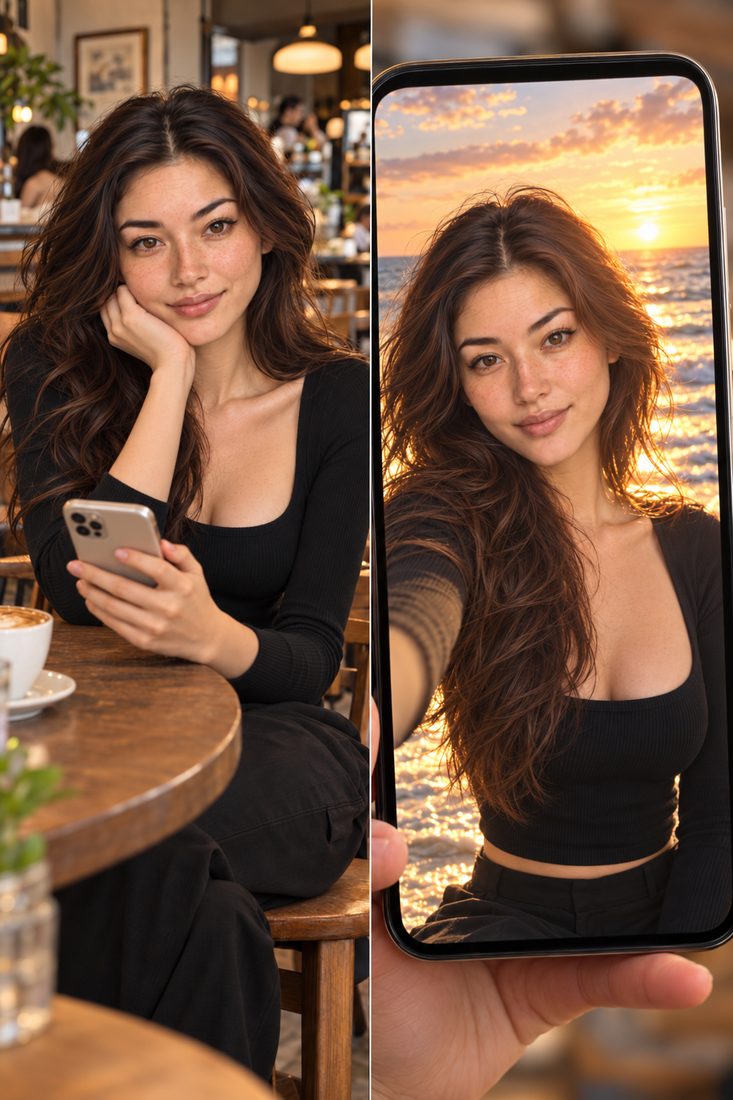
One selfie. One sentence. About 30 seconds.一张自拍,一句话,大约 30 秒。

"Turn this selfie into a professional studio portrait. Navy blazer, soft grey background, gentle lighting. Keep my face exactly the same.""把这张自拍变成专业的摄影棚人像照。深蓝色西装外套,柔和的灰色背景,温和的灯光。保持我的脸完全一样。"
→
Five parts. One sentence.五个部分,一句话。
The reason AI gives you rubbish is a vague prompt. This formula fixes that, and you'll use it for every image you make.AI 做出来的东西不能用,是因为提示词太模糊。这条公式帮你解决,以后每张图都用得上。
Six daily-life missions六个 生活实用 任务
Every mission is something you'd actually use this week, for your family, your shop or your work.每个任务都是你这个星期就用得上的,给家人、给店、给工作。
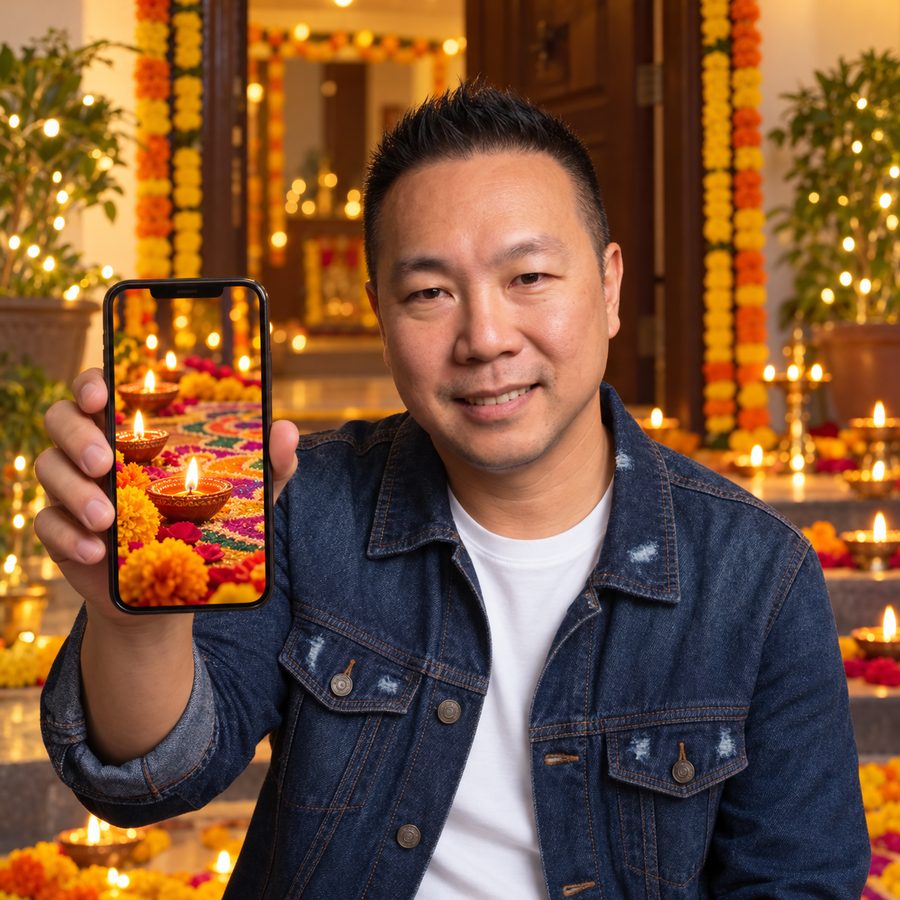
Your own festive card专属节日贺卡
Deepavali, CNY, Hari Raya or Christmas, with your own family or shop name on it.屠妖节、新年、开斋节或圣诞节,印上你的家庭或店名。
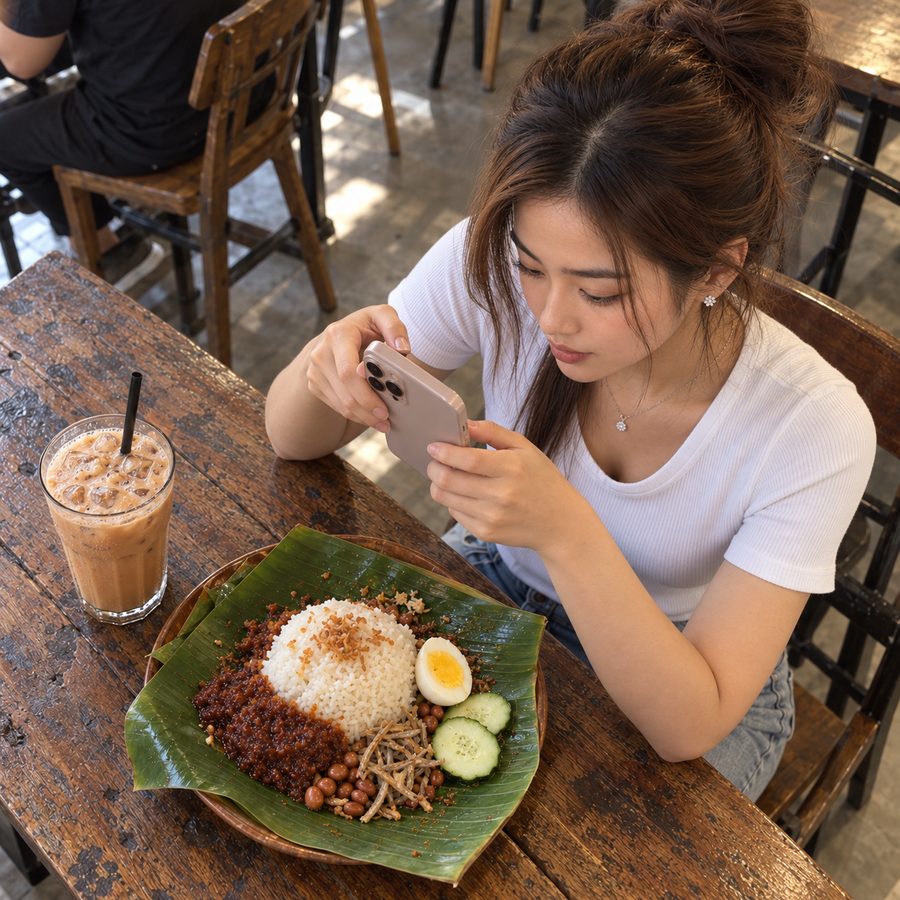
Make it look like a menu photo变成菜单美食照
Cakes, kuih, handmade crafts, anything you sell, made to look pro.蛋糕、糕点、手作,任何你卖的东西都能拍得专业。
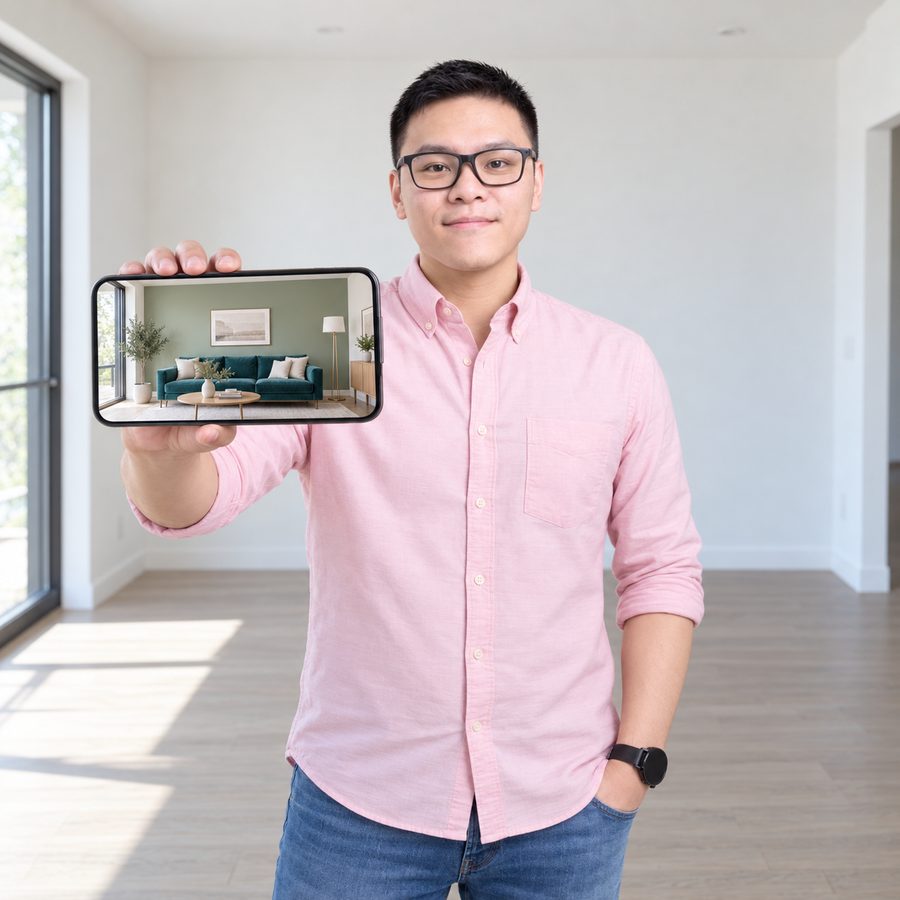
See it before you buy it买之前先看效果
Try paint colours, curtains or a new shop layout, without a hardware store trip.试油漆颜色、窗帘或新的店面布置,不用跑五金店。
Professional headshot专业形象照
Your selfie becomes a LinkedIn-ready profile photo.自拍变成可以放 LinkedIn 的形象照。
Event or shop poster活动或店铺海报
A bright poster for your weekend sale, with your own words on it.为周末促销做一张亮眼海报,写上你自己的文字。
Restore an old photo修复老照片
Remove scratches, sharpen and add natural colour to family memories.去掉刮痕、变清晰,为家庭回忆加上自然色彩。
Stuck? ChatGPT is your free prompt helper卡住了?ChatGPT 是你的免费提示词助手
It writes better prompts and captions for you. And if Gemini is busy, ChatGPT can make images too.它帮你写更好的提示词和文案。Gemini 忙的时候,ChatGPT 也能做图。
Edit by talking, one change at a time用 说话 来修图,一次改一样
- 1
Upload上传
Your selfie or product photo.你的自拍或产品照。
- 2
Ask for one change提一个修改
"Change the background to a beach at sunset.""把背景换成日落的海滩。"
- 3
Check it检查
Face, hands, text, colours.脸、手、文字、颜色。
- 4
Fix with one sentence一句话修正
"Make it brighter. Keep my face the same.""再亮一点,保持我的脸不变。"
Four steps to your first clip四步做出 第一支短片
Google Flow gives you free credits every day. We'll show you how to plan first, so you don't waste them.Google Flow 每天都有免费额度,我们教你先规划好再生成,不浪费额度。
- 1
Practise cheap先低画质练习
Get the movement right at low quality first.先用低画质把动作调好。
- 2
Animate your photo让照片动起来
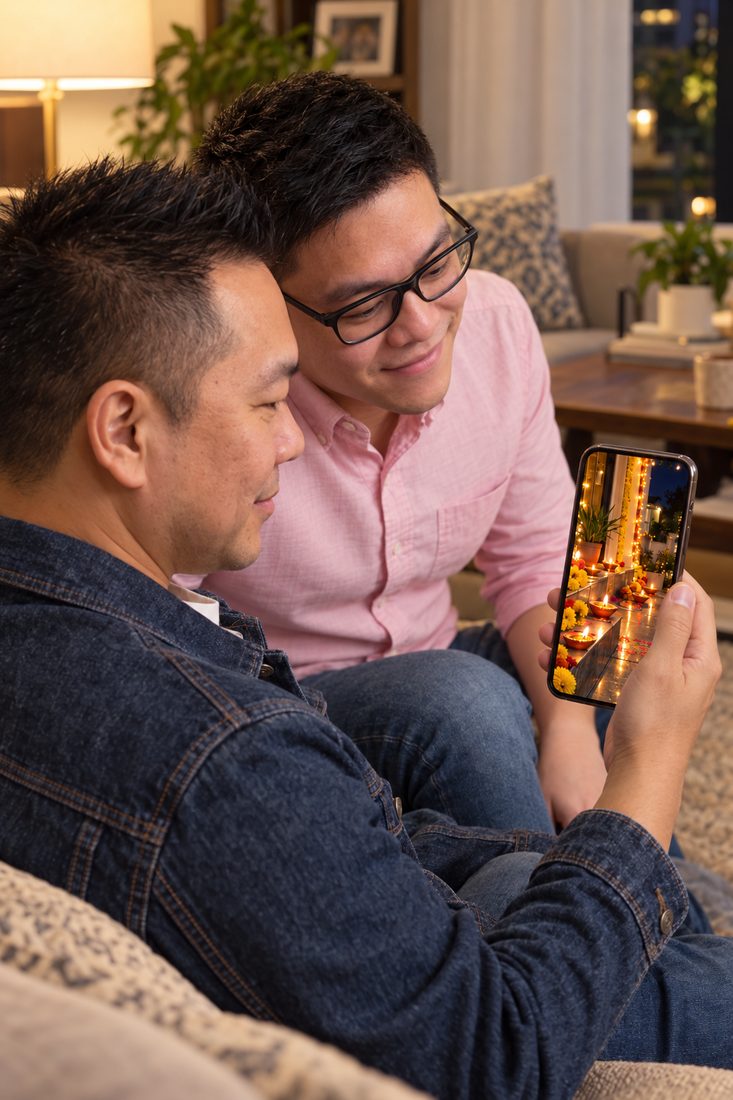
"She smiles and waves at the camera.""她对着镜头微笑挥手。"
- 3
One scene from words用文字变出一个画面
"Oil lamps glowing on a doorstep at night.""夜晚门前点亮的油灯。"
- 4
Save & share保存 & 分享
Download your clip, ready for WhatsApp Status or TikTok.下载你的短片,可以发 WhatsApp Status 或 TikTok。
Three free tools on your phone手机上的三个 免费 工具
Gemini
Makes and edits images做图、修图
ChatGPT
Writes prompts and captions写提示词和文案
Google Flow
Turns photos into video (open in Chrome)把照片变成视频(用 Chrome 打开)
🙋 All you need is a Google account. We'll send the setup list before class, and a helper comes to you if anything isn't working.🙋 只需要一个 Google 账号。课前我们会发准备清单给你,现场有任何问题,助教会来帮你。
From "never tried it" to "I made this"从"没试过"到 "这是我做的"
One last wow最后的 惊喜
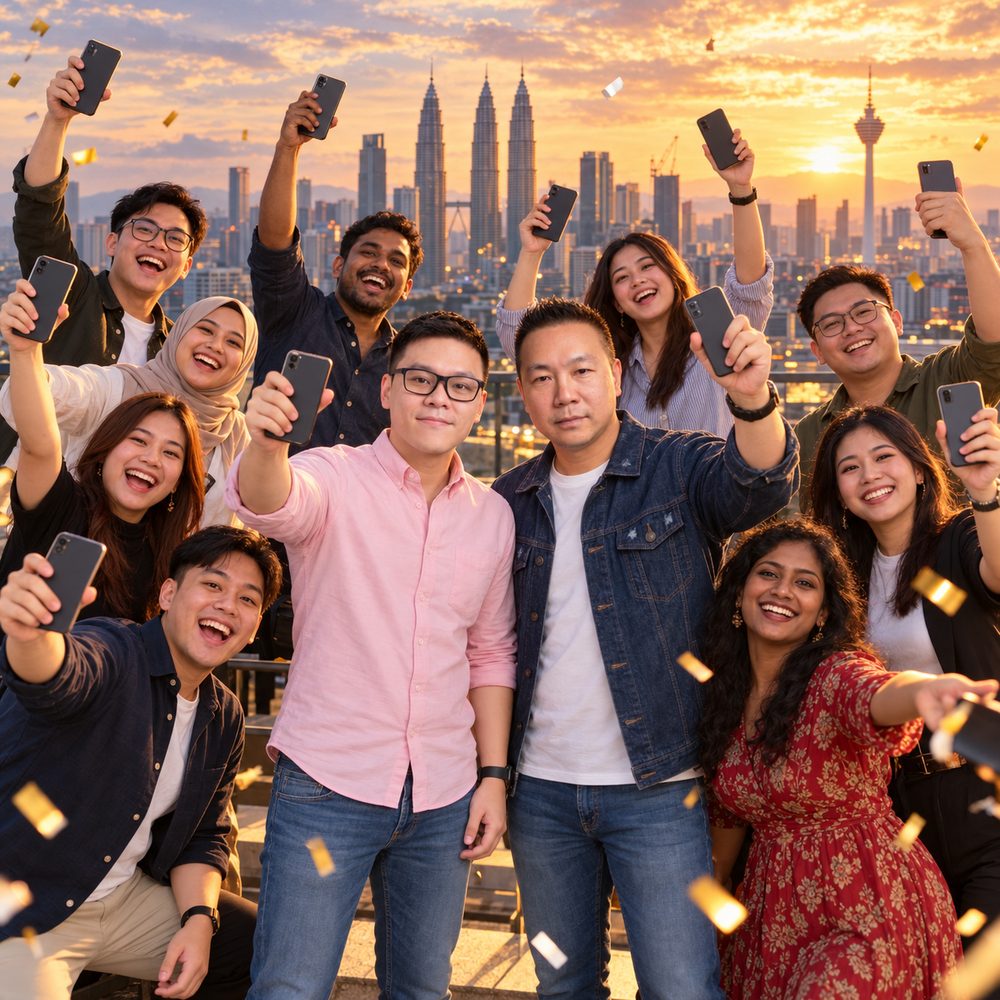
AI group photoAI 大合照
We take one class photo, then turn it into something amazing together. Post it and tag KenSifu.我们拍一张全班合照,再一起把它变成超酷的作品。发出来记得标注 KenSifu。
Share your story分享你的故事
30 seconds on camera: what you made and what surprised you. Totally optional, and we ask for your consent before sharing any clip.镜头前 30 秒:你做了什么、什么最让你惊喜。完全自愿,分享任何片段前都会先请你签同意书。
Free WhatsApp community免费 WhatsApp 社群
Weekly AI tips, fun exercises, and your free 100 Image Cheat Codes so you keep creating after class.每周 AI 小技巧、好玩的练习,还有免费的 100 个图片秘籍提示词,下课后继续创作。
Five simple rules we teach我们教的五条简单规则
Creative and responsible. You'll know what's fine to post, and what isn't.有创意,也要负责任。你会清楚什么能发,什么不能。
- Ask first before using someone else's face.使用别人的脸之前,先问过对方。
- Never upload your IC, bank details or private documents.绝不上传身份证、银行资料或私人文件。
- No brand logos or famous characters in your posts.贴文里不放品牌标志或知名角色。
- Say it's AI: add "AI-generated" when you post.注明是 AI:发文时加上"AI 生成"。
- Selling insurance or finance? Check your company's rules before using AI images in client posts.做保险或金融?在客户贴文使用 AI 图片前,先查公司规定。
Taught by Andrew & Ken, the team behind TDPW由 TDPW 的 Andrew & Ken 亲自带
Both started their sales careers in 1999. Today they teach everyday people to use AI to create content that gets noticed.两位都在 1999 年开始销售生涯。现在他们教普通人用 AI 做出让人注意到的内容。

Andrew Lau
Runs TDPW with Ken and looks after the funnel, ads and deployment side, making sure what students build actually goes live.和 Ken 一起主持 TDPW,负责漏斗、广告和上线,确保学员做出来的东西真的能用上。

Ken Choong
Trains sales professionals to use AI, social media and simple systems. His rule for every lesson: "make it useful, keep it real."教销售人员用 AI、社交媒体和简单的系统。他每堂课的原则:"实用,真实。"
Any age. Any job.
Got a phone? You're ready.任何年龄,任何职业。
有手机,你就可以来。
No tech background needed. We start from zero and go one step at a time.不需要任何技术背景,我们从零开始,一步一步来。
You're not Gen X or Gen Y. You're Gen AI.你不是 X 世代、Y 世代,你是 AI 世代。
TDPW M3:
Mobile Media MakerTDPW M3:
手机媒体创作课
- 3-hour hands-on class, in person3 小时线下实操课
- The 5-part prompt formula, yours for life五步提示词公式,一辈子受用
- 6 daily-life missions: cards, menu photos, posters and more6 个生活任务:贺卡、菜单照、海报等
- Photo glow-up of your own selfie or product你自己的自拍或产品 照片升级
- Your first AI video, ready to share可以直接分享的 第一支 AI 视频
- AI group photo + free WhatsApp community with 100 Image Cheat CodesAI 大合照 + 免费 WhatsApp 社群和 100 个图片秘籍
- Choose English or Mandarin可选 英文场或中文场
RM29优惠价
RM29
Before you register报名前你可能 想知道
Where is the class, and how do I get there?上课地点在哪里?怎么去?
ACCEA Amoda Building Imbi, Meeting Room 1
Mezzanine Floor, Bangunan Amoda, 22 Jalan Imbi, 55100 Kuala Lumpur (opposite Berjaya Times Square)ACCEA Amoda Building Imbi,会议室 1
Mezzanine Floor(夹层楼), Bangunan Amoda, 22 Jalan Imbi, 55100 Kuala Lumpur(Berjaya Times Square 双威时代广场对面)
🚝 By train: Monorail Imbi station is about a 2-minute walk. Bukit Bintang MRT (Kajang line) is about 450 m, around 6 minutes on foot. Hang Tuah LRT is about 10 minutes on foot.🚝 搭电车:单轨火车 Imbi 站步行约 2 分钟。Bukit Bintang MRT 站(加影线)约 450 米,步行约 6 分钟。Hang Tuah LRT 站步行约 10 分钟。
🚗 Grab / taxi: set your drop-off to "Amoda Building, Jalan Imbi".🚗 Grab / 德士:下车地点设为 "Amoda Building, Jalan Imbi"。
🅿️ Driving: park in the Amoda Building car park (basement, max height 2.0 m). Weekend rate is about RM4 per hour, capped at RM9 for the day; pay by Touch 'n Go or card. Please check the rate board at the entrance, as rates can change.🅿️ 自驾:可停在 Amoda Building 停车场(地下室,限高 2.0 米)。周末约每小时 RM4,全日最高 RM9,可用 Touch 'n Go 或银行卡付款。收费可能会变,请以入口收费牌为准。
🏢 In the building: go up to the Mezzanine Floor and look for ACCEA. Our team will meet you at the ACCEA entrance next to Reception. Halal food and drinks only, please.🏢 进大楼后:到 Mezzanine Floor(夹层楼)找 ACCEA,TDPW 团队会在 Reception 旁的入口接你。场地只限清真(Halal)食物和饮料。
I've never used AI. Is this too advanced for me?我从来没用过 AI,会不会太难?
Not at all 👍 The class is built for complete beginners. If you can send a WhatsApp message, you can follow along.完全不会 👍 这堂课就是为零基础设计的。会发 WhatsApp,就跟得上。
Do I need a laptop or paid apps?需要电脑或付费 app 吗?
No. Everything is done on your phone with three free tools: Gemini, ChatGPT and Google Flow. Just bring your phone and charger.不需要。全部用手机和三个免费工具完成:Gemini、ChatGPT 和 Google Flow。带手机和充电器就好。
What do I need to prepare?我需要准备什么?
A smartphone with internet and a Google account you can log in to. We'll send a short setup list before class. Bring a selfie or product photo you'd like to glow up.能上网的智能手机,以及可以登录的 Google 账号。课前我们会发准备清单。也可以带一张想升级的自拍或产品照。
Why is it only RM29?为什么只要 RM29?
It's our intro price for the first live, in-person sessions. Once these seats are filled, the price goes back to RM59.这是首批线下实体课的优惠价。名额满了之后,价格会恢复 RM59。
Is the class in English or Mandarin?上课用英文还是中文?
Both. There's one English session and one Mandarin session. You choose when you register.两种都有。一场英文、一场中文,报名时选择。
Do I have to go on camera?一定要上镜吗?
No. "Share your story" is totally optional, and we always ask for your written consent before sharing any clip.不用。"分享你的故事"完全自愿,分享任何片段前一定先请你书面同意。
Can I bring my child?可以带孩子一起来吗?
Yes, children are welcome to join together with a parent or guardian. Please note:
• Under 12: free when they come with a paying parent or guardian.
• 12 and above: full fee. Please register them for their own seat (same email is fine).
• Maximum 1 child per parent or guardian. Bringing a child under 12? Just tick "Bringing a child under 12" in the sign-up form.
• The parent or guardian must stay with and supervise the child for the whole class, and is responsible for them throughout.
• Some AI tools have age rules (for example, Google Flow is for users 18+), so for those steps the child follows along on the parent's phone and account.
• To keep the class focused and fair for everyone, the organiser may ask a parent and child to step out of the class if the child becomes disruptive and can't be settled.可以,欢迎孩子 跟父母或监护人一起 参加。请注意:
• 12 岁以下:免费,须由已付款的父母或监护人陪同。
• 12 岁及以上:需付全费,请为孩子另外报名一个座位(可用同一个电邮)。
• 每位父母或监护人 最多带 1 位孩子。带 12 岁以下的孩子?报名时在表格里选 “带 12 岁以下的孩子” 就可以。
• 父母或监护人必须 全程陪同并看管孩子,并对孩子负全责。
• 有些 AI 工具有年龄规定(例如 Google Flow 只限 18 岁以上使用),这些步骤请孩子用父母的手机和账号一起跟着做。
• 为了让课堂专注、对每位学员公平,如果孩子影响上课且无法安抚,主办方有权请父母和孩子 先离开课室。
Can I bring a friend?可以带朋友一起来吗?
Yes, please do 😎 Each person needs their own seat, so ask your friend to register here too.当然可以 😎 每人需要一个座位,请朋友也在这里报名。
What happens after I register?报名之后会怎样?
You pay securely through toyyibPay (online banking or card). Your seat confirmation arrives by email straight away. A few days before class you'll get the venue and what to prepare, and the day before you'll get your entry QR pass.通过 toyyibPay 安全付款(网上银行或信用卡)。付款后马上收到电邮确认座位;课前几天收到地点和课前准备;上课前一天收到入场 QR 通行证。
Still have a question?还有疑问? WhatsApp us →WhatsApp 问我们 →
Three hours from now, you could be the one making AI videos.三个小时后,做 AI 视频的人可以是你。
40 seats per session at the intro price of RM29. Once they're gone, it's back to RM59.每场 40 位,优惠价 RM29。名额满了,就恢复 RM59。
Yes! Save My Seat · RM29Yes!我要报名 · RM29→